Invoicing is open by invitation. MeloKey is coming soon to the App Store. Ticketat is opening to more organisers soon.
Which drive was it on?
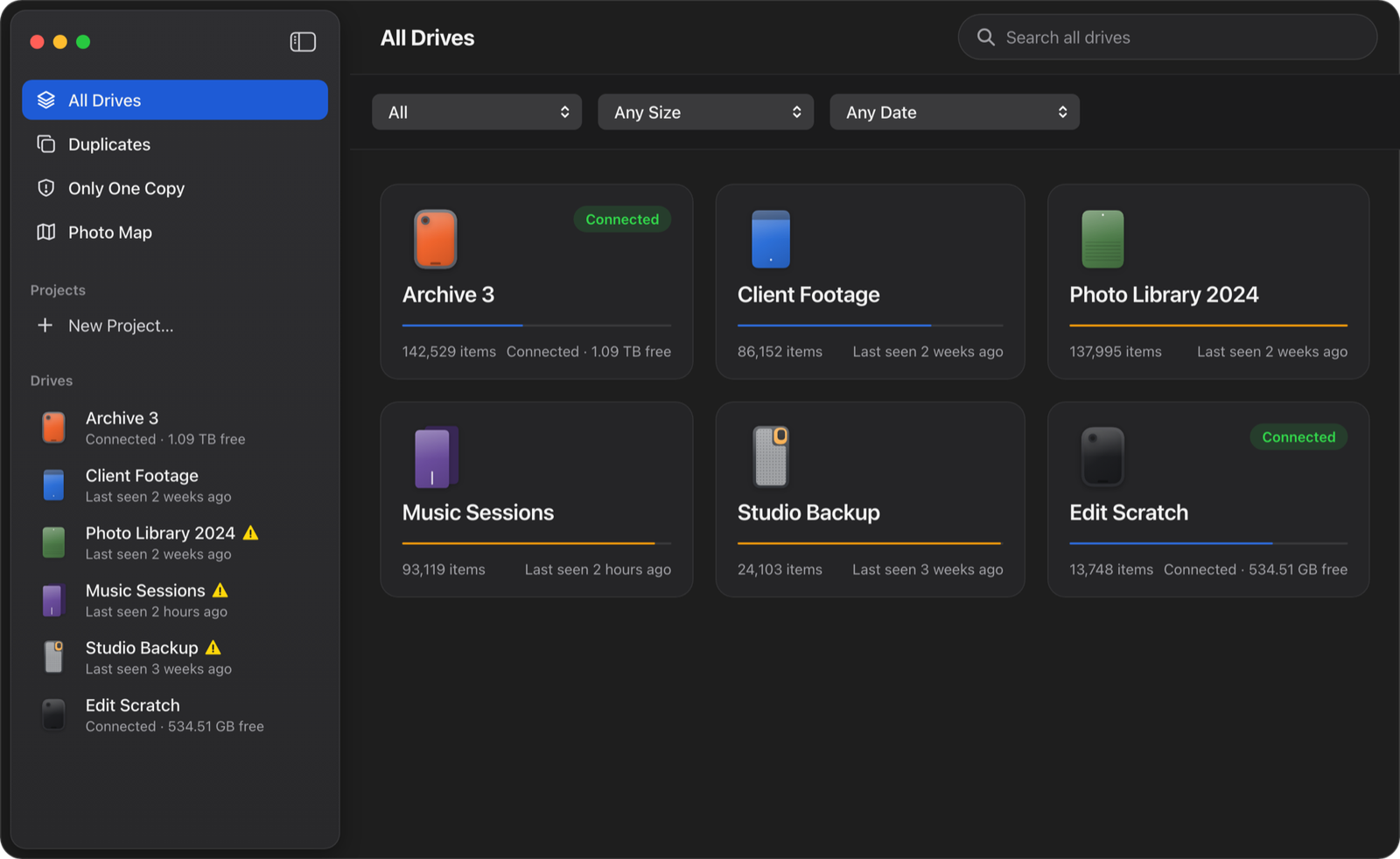
Plug in a drive once. Find any file on it later, even when it’s unplugged.
Coming soon to the Mac App Store.
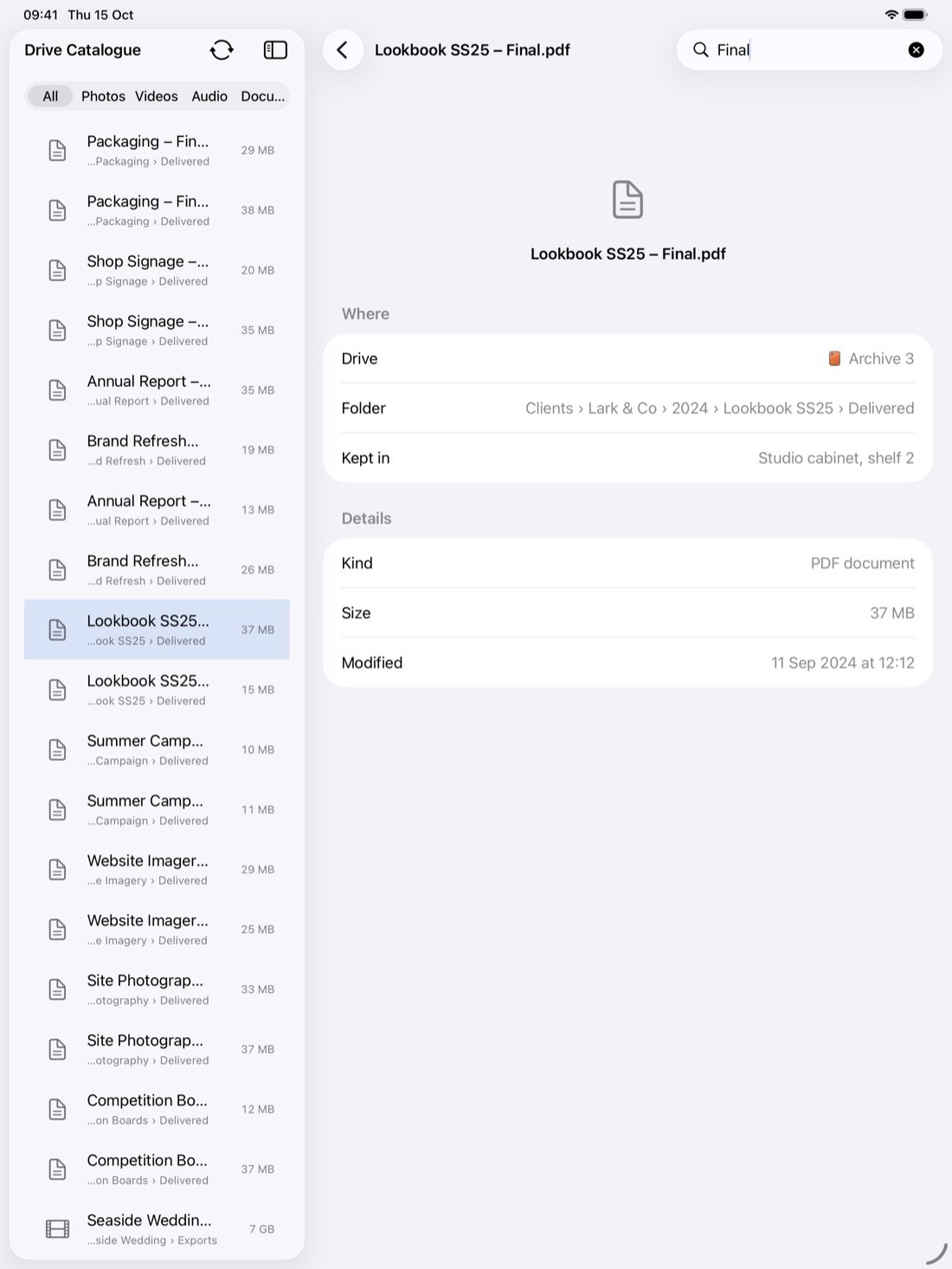
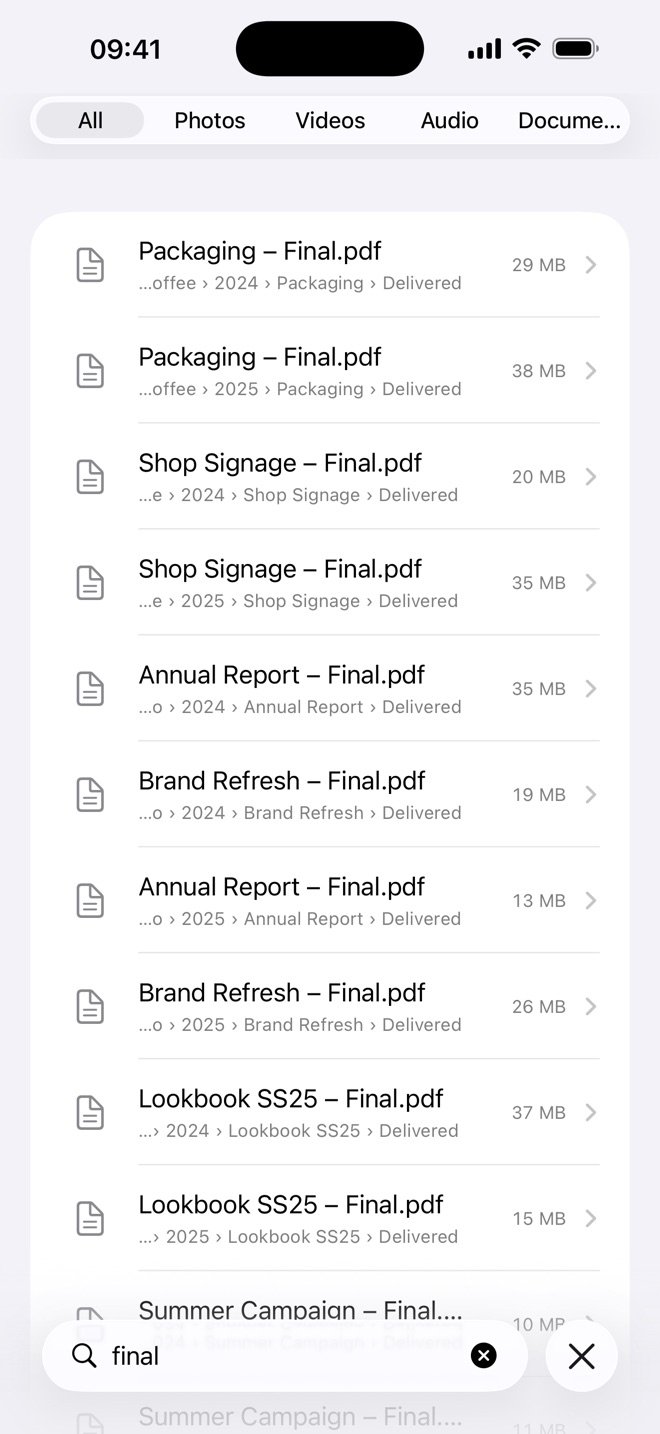
A few letters of a name or a folder. It answers which drive, which folder, and where that drive is kept.
Click Catalogue once. After that, the drive updates itself whenever you plug it in.
Press Space to look. Photos keep their preview, camera and date, with the drive in a drawer.
The menu bar, Spotlight or Siri: which drive, which folder, without opening the app.
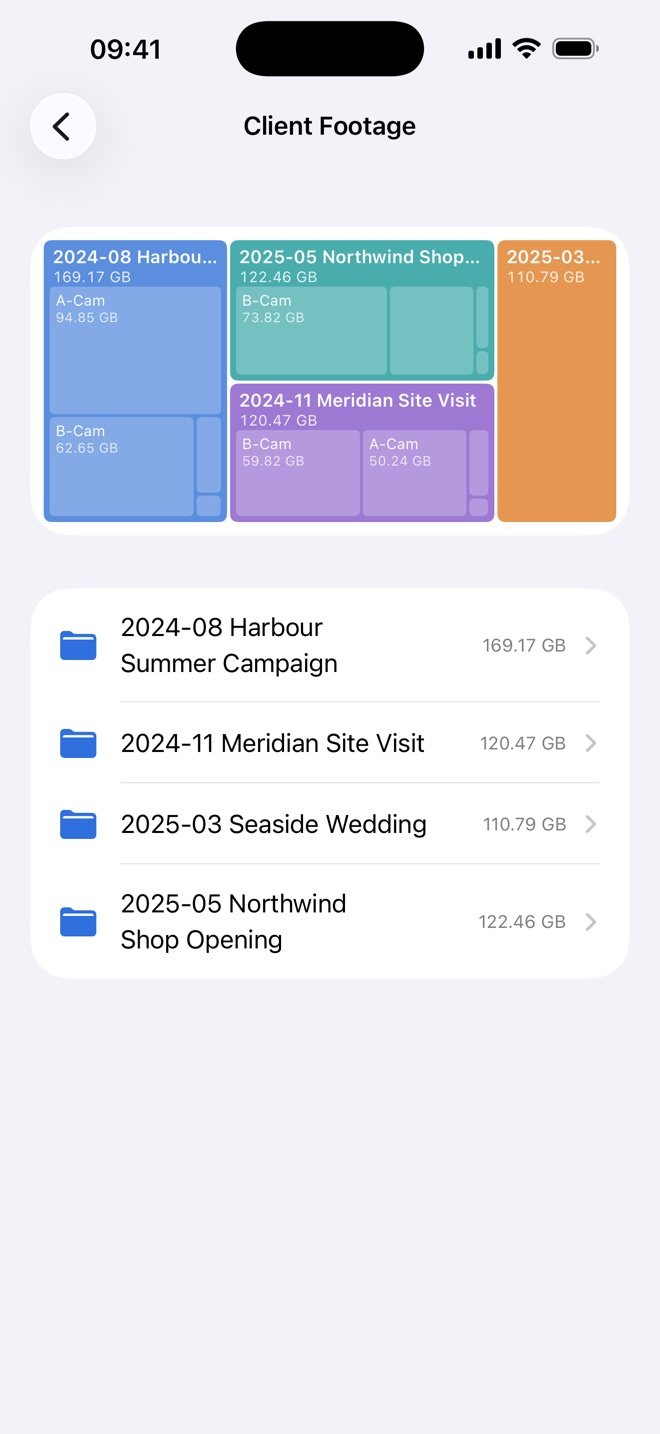
Click through any drive, plugged in or not, and see what takes the space.
See what’s on more than one drive, and check it really is the same file.
Print one with a QR code that opens the drive in the app.
See which files live on just one drive, before you wipe it or lend it out.
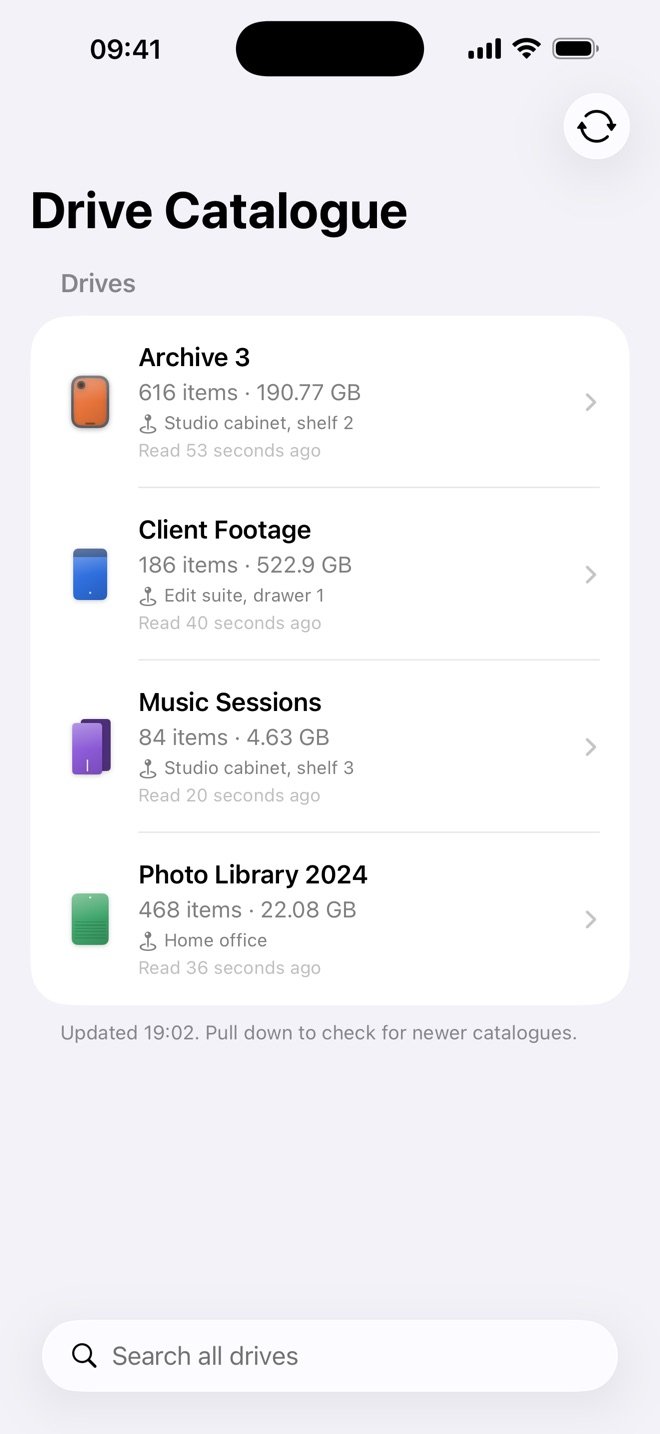
Shown with made-up drives. Pictures from the Mac app and the iPhone and iPad app.
A free iPhone and iPad app reads the catalogue your Mac keeps. Ask it which drive, with the drives at home.
Clearing duplicate copies is off until you turn it on. It only moves copies proven identical to the drive’s Trash, and you can put them back.
To see it on your iPhone, share it through your own iCloud Drive or a folder you pick. Never through us.
No sign-up, no ads, no tracking.
For as many as you own: $9.99 a year, or $29.99 once.
Leave your email and we’ll tell you the day it launches. One message, nothing else.
Leave this empty
One email on launch day, then we delete your address. Privacy